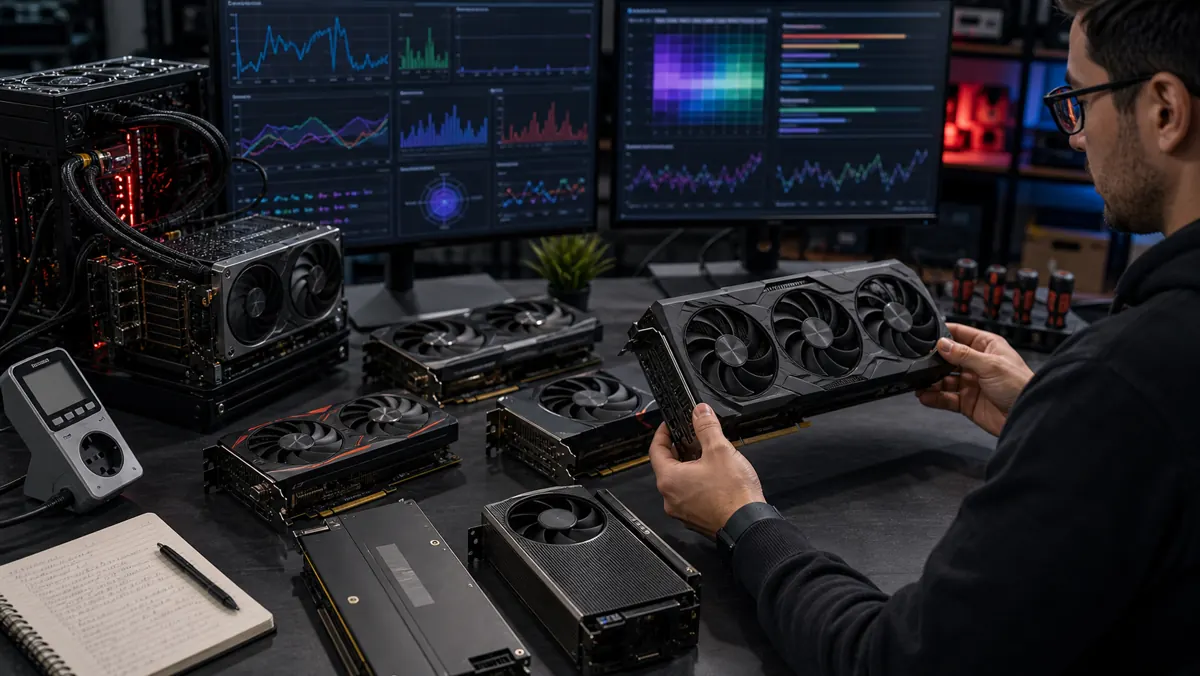
Best GPUs for AI in 2026 in Chile: how to choose without falling for the hype
Buying a GPU for artificial intelligence in 2026 requires a change in mindset. For games, a lot of people look at FPS first. For local AI, the initial question is different: how much video memory is in the budget and how well does the software ecosystem communicate with the card?
In Chile, where availability and price vary greatly between local retail, imports and marketplaces, the best buy is rarely the "newest" plate by definition. It's the board that runs the models you really intend to use, without turning each experiment into thermal, electrical or financial frustration.
The VRAM rule
For local LLMs, Stable Diffusion, ComfyUI, voice models, and context-manipulating agents, VRAM is the most limiting resource. An 8GB GPU is still good for learning, lightweight inference, and small quantized models. With 12 GB, the user gains room for 7B and 8B models with more comfort. With 16 GB, the environment becomes more interesting for multitasking and image streams. With 24 GB or 32 GB, more ambitious workloads, larger contexts and fewer swaps for system RAM come in.
This is the reason why older cards with lots of VRAM live on. A 12GB RTX 3060 may be less powerful than recent models in gaming, but it's still attractive for those looking to get started in local AI with CUDA. A 24GB RTX 4090 is still going strong for power users. The RTX 5090, with 32 GB GDDR7 according to NVIDIA, is aimed at those who want maximum clearance, but require a compatible power supply, case, cooling and budget.
NVIDIA: the simplest way
For those who want less friction, NVIDIA remains the most predictable pattern. CUDA, drivers, PyTorch, TensorRT, inference libraries, and community tutorials often arrive first or work best on professional GeForce and RTX. This doesn't mean that AMD is bad, but it does mean that NVIDIA often saves configuration time.
The practical recommendation looks like this: beginners can look for models with 12 GB or more; serious creators and developers should aim for 16GB to 24GB; professionals running heavy models locally can justify 24 GB or 32 GB if the flow generates real returns.
AMD: strong memory, evolving software
Radeons with a lot of VRAM, like the 24 GB RX 7900 XTX, attract attention due to their memory volume. The ROCm ecosystem has evolved and gained more accessible documentation, but it still requires more care with compatibility, operating system and library versions.
For technical users, AMD can be excellent when the goal is to experiment, save per gigabyte of VRAM, or work in well-controlled Linux environments. For those who just want to install a tool and run models without searching forums, NVIDIA is still less turbulent.
What to watch out for in the Chilean market
In Chile, don't just buy at the advertised price. Check local warranty, seller reputation, plate condition, invoice, power supply consumption, physical dimensions and usage history. Used GPUs can be great value, but cards that have spent years in mining or hot environments deserve careful inspection.
Also avoid buying a powerful GPU for a PC that doesn't come with it. Weak power supply, cramped case and little RAM can limit the experience. For local AI, 32GB of system RAM is already a healthier starting point; 64GB helps with flows with large templates and multiple open tools.
My choices by profile
To get started with local AI: look for a 12GB NVIDIA card, like RTX 3060 12GB, when the price is attractive. It's not glamorous, but it works and has a huge community.
For creators and developers: A GPU with 16GB to 24GB offers better balance. This includes the RTX 4070 Ti Super, RTX 4080 Super, RTX 4090 or Radeon RX 7900 XTX, depending on price and configuration tolerance.
For the advanced home lab: RTX 4090 and RTX 5090 are the desktop brute-force benchmarks. They only make sense if you actually use heavy inference, light training, batch image generation, or multimodal agents.
The smart choice
The best AI GPU is not the most expensive. It is one that reduces friction between curiosity and experiment. In 2026, the right question is: "which card allows me to test ideas for months without hitting the memory ceiling?".
If the goal is to learn, buy enough VRAM and simple ecosystem. If the goal is production, calculate saved time, energy, stability and support. The future of on-premises AI will be fascinating, but it starts with a very physical decision: which card fits in your case, your budget, and the models you want to run.
Verdict
If the goal is to learn local AI without unnecessary friction, the safest recommendation is still an NVIDIA card with at least 12 GB of VRAM at a fair price. For serious production, the decision changes: paying more for 16 GB, 24 GB, or 32 GB makes sense when it saves real time in inference, image generation, and agent experiments. AMD can be excellent for technical users, but NVIDIA remains the simpler path for people who want to install, run, and work.
Sources
- https://www.nvidia.com/en-us/geforce/graphics-cards/50-series/rtx-5090/
- https://www.nvidia.com/en-us/geforce/graphics-cards/40-series/rtx-4090/
- https://www.nvidia.com/en-us/geforce/graphics-cards/30-series/rtx-3060-3060ti/
- https://www.amd.com/en/products/graphics/desktops/radeon/7000-series/amd-radeon-rx-7900xtx.html
- https://www.amd.com/en/developer/resources/rocm-hub.html