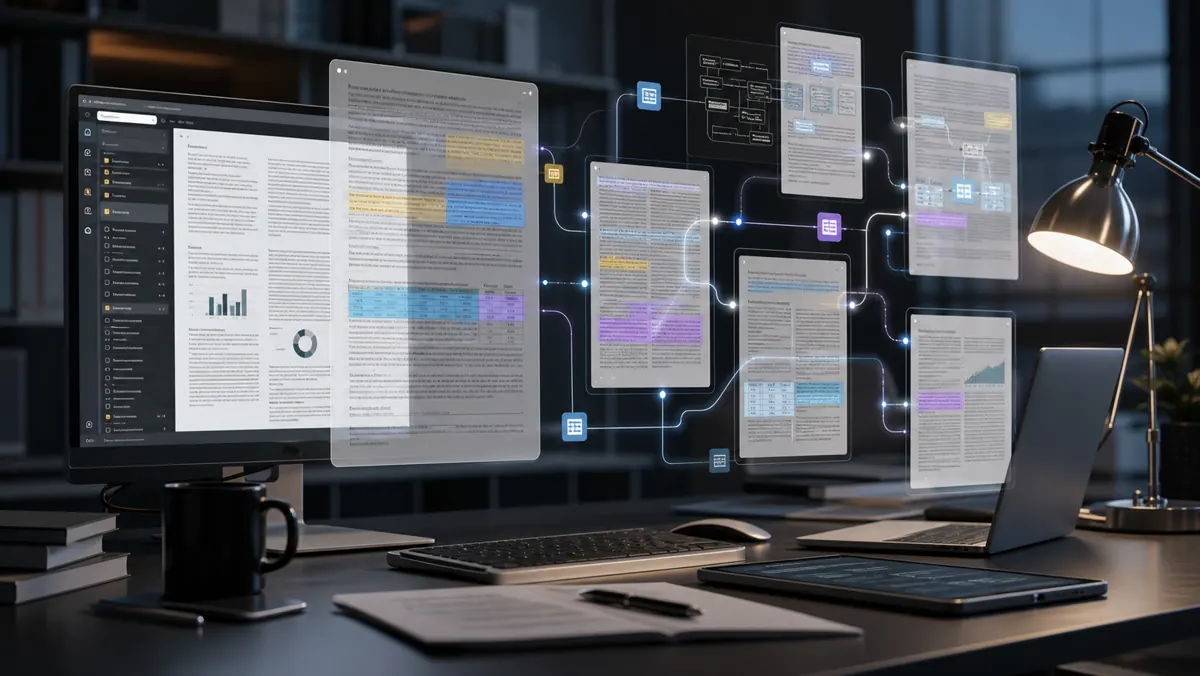
Adobe, PDF Spaces and productivity agents: documents are becoming workplaces
PDF was created to preserve documents. In 2026, it is becoming something bigger: a workplace for research, decision-making and collaboration with AI. Adobe has been pushing Acrobat AI Assistant and related smart document experiences in a clear direction: the file moves from just a static page to a conversational, connected, task-oriented surface.
This change seems small until you think about how many important decisions live in PDFs. Contracts, reports, proposals, standards, studies, manuals, exams, notices, exported presentations and internal policies still circulate in this format. If AI learns to navigate this ocean responsibly, the impact on productivity is enormous.
The problem with long documents
Long documents are difficult not because humans can't read, but because time and context are limited. An 80-page contract can hide a critical clause. A technical report may contain scattered assumptions. A set of PDFs may require manual comparison between versions.
An AI assistant for documents promises to summarize, answer questions, point out differences, extract topics and create syntheses. The next step is to transform this into an agent: not just explaining the document, but helping to perform a task from it.
What would a PDF Space be?
A smart PDF space can double as a research table. Instead of opening separate files, the user brings together related documents and talks to the group. AI identifies themes, connects excerpts, suggests questions and helps construct an answer.
For teams, this changes the flow. A legal analyst can compare contracts. A researcher can cross-reference studies. A marketing team can review campaign materials. A manager can understand reports without losing details.
The value is in the combination of precise retrieval and synthesis. AI needs to show where the answer came from, not just respond confidently.
The frontier of trust
Documents require traceability. If a wizard claims that a clause allows something, the user needs to see the original snippet. If you summarize a report, you must indicate the source. Without citation and context, AI becomes a risk.
This is the critical point for productivity products. In free text, hallucinations are already a problem. In contracts, regulations and financial reports, hallucinations can turn into losses. Therefore, document agents need to operate with references, limits and human review.
The impact on work
If implemented well, this AI layer changes the relationship with information. Professionals spend less time searching and more time evaluating. Productivity doesn't come from "reading less", but from getting to the right questions faster.
This also democratizes access to complex documents. People without legal training can better understand contract terms. Students can explore scientific articles. Small businesses can review proposals more safely. But democratization is only healthy if the product makes it clear that AI helps, it does not replace expert advice.
What to watch out for
The future of smart documents will depend on three points: quality of citations, file privacy and integration with real flows. An assistant that responds well, but does not store project context, is limited. An agent that organizes documents, creates tasks and connects decisions can become a central tool.
It will also be essential to control data. Many PDFs contain sensitive information. Companies must know where the file is processed, how long it is stored and who can access it.
The bigger idea
PDF survived because it became a common language between systems. Now, with AI, it can become an active interface for knowledge. The curiosity is that the future of work may not just lie in new applications, but in making the formats we already use every day smart.
Documents will not disappear. They will start to respond.
How to use without losing rigor
The best use starts with specific questions. Instead of asking "summarize this document," it's better to ask "what obligations are due in the next 90 days?" or "what risks appear in termination clauses?". More precise questions reduce vague answers and help you check sources.
It's also worth maintaining a simple habit: every important answer should return to the original excerpt. AI speeds up reading, but the decision needs to be based on the document. In teams, this can create a new flow: the agent organizes evidence, the human decides, and the file continues as an official record.
The cultural impact
When documents become conversational, the relationship with institutional knowledge changes. Information that was previously buried in folders can now be retrieved by question. This can reduce dependence on informal memory and make companies more transparent internally, as long as permissions are respected.
Sources
- https://www.adobe.com/acrobat/ai-assistant.html
- https://www.adobe.com/acrobat/generative-ai-pdf.html
- https://news.adobe.com/